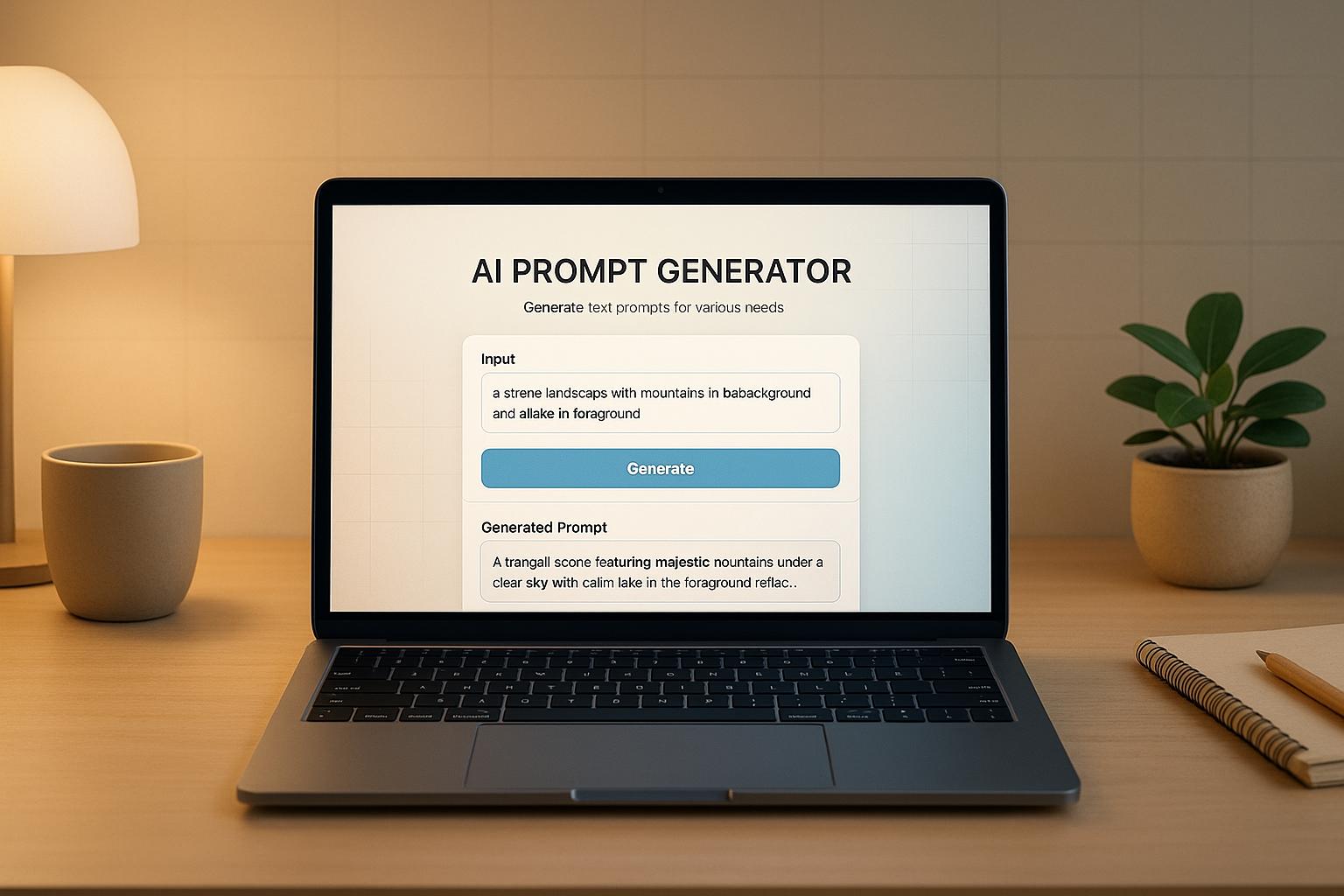
Craft Better AI Interactions with an AI Prompt Generator
In today’s fast-paced digital world, getting the most out of artificial intelligence tools can feel like a puzzle. Whether you’re a writer, marketer, or just experimenting with tech, knowing how to communicate with AI is key. That’s where a tool for crafting AI prompts comes in handy. It simplifies the process, turning vague ideas into sharp, actionable instructions for models like ChatGPT.
Why Prompting Matters
AI systems thrive on clarity. A well-structured request can mean the difference between a generic response and a truly useful one. By using a prompt-building tool, you ensure your inputs—like tone, purpose, and specific topics—are woven into a coherent guide for the AI. This isn’t just about saving time; it’s about unlocking the full potential of these technologies for brainstorming, content creation, or even solving complex problems.
Start Simple, Scale Up
You don’t need to be a tech expert to get started. With a user-friendly interface, anyone can generate effective requests tailored to their needs. Experiment with different styles and purposes to see what works best. Soon, you’ll be steering AI conversations with confidence, all thanks to a little help from smart prompt design.
FAQs
What makes a good AI prompt?
A good AI prompt is clear, specific, and gives the model enough context to work with. For example, instead of saying ‘write something,’ tell it the tone, audience, and topic—like ‘write a casual blog post for teens about sustainable fashion.’ Our tool helps by structuring these elements for you, so you don’t have to figure it out from scratch. It’s like giving the AI a roadmap to follow.
Can I use this tool for any AI model?
Absolutely! This generator creates prompts that work well with most language models, including ChatGPT, Bard, or others. The prompts are designed to be detailed and adaptable, so they fit a variety of platforms. If a specific AI has unique quirks, you can always tweak the output a bit to match its style.
What if I don’t know the tone or purpose to pick?
No worries at all. If you skip those fields, our tool defaults to a neutral tone and a general purpose to keep things versatile. You’ll still get a solid prompt to work with, and you can play around with the inputs later to refine it. It’s built to be forgiving for beginners while still powerful for pros.